


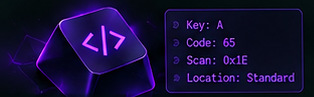
Open the tester
Click the “Test Your Keyboard” button and open the tester in your browser.
 Keyboard Tester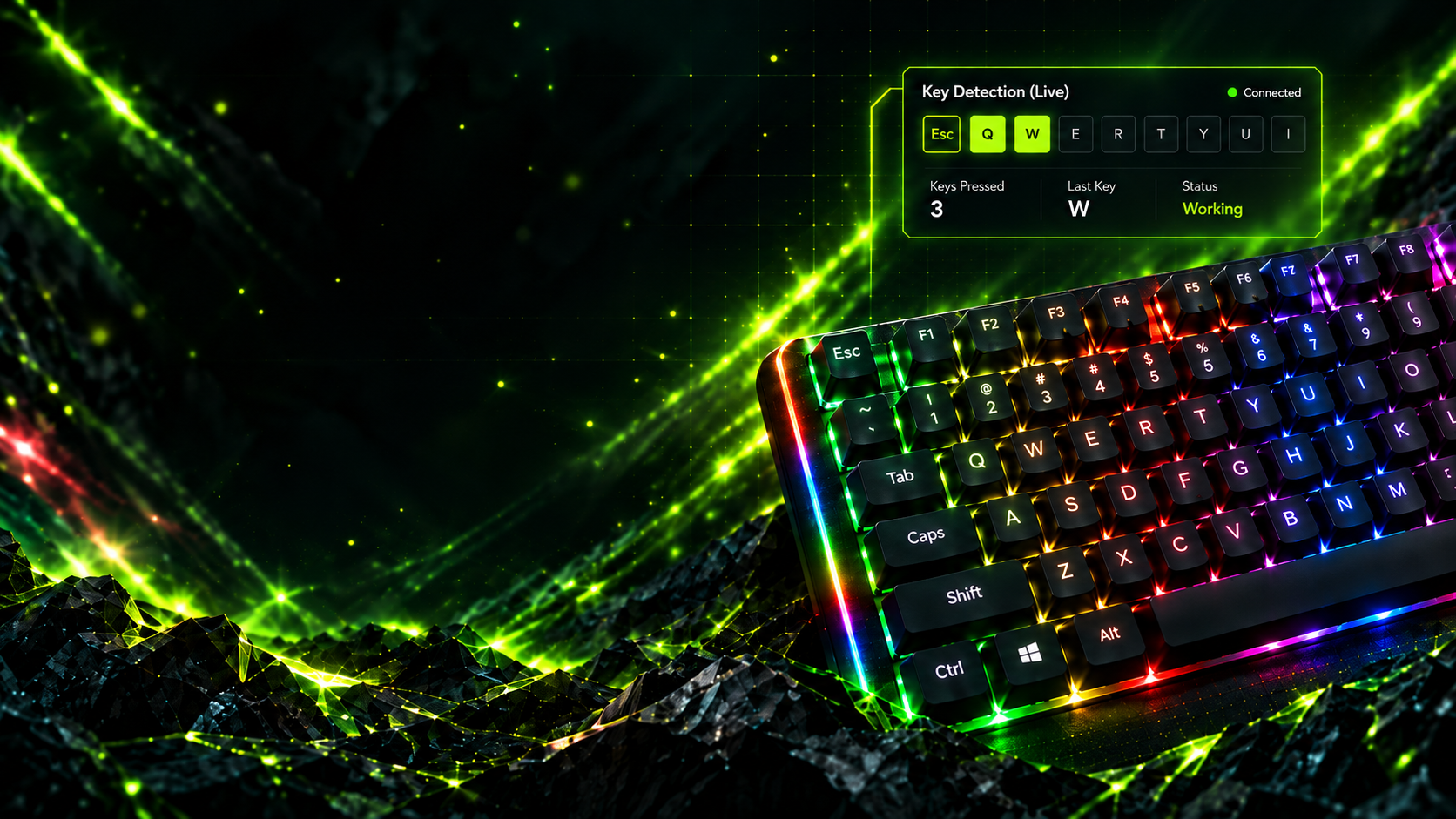
Free • Online • No installation
A professional, browser-based keyboard diagnostic tool for detecting broken keys, stuck inputs, rollover, chatter, and physical key codes — fast, accurate, and easy to use.
Feature
From basic key checks to advanced diagnostics, Keyboard Tester helps you quickly identify issues and understand your keyboard’s behavior.
Every physical key appears instantly below. Press one key or hold several together to inspect the exact signals reaching your browser.
Get started
Get started in seconds. No installation, no signup, just open and test.
Click the “Test Your Keyboard” button and open the tester in your browser.
See the keys light up in real time and check the test results.
Find issues, view key codes, and test advanced features.
Trusted by keyboard enthusiasts
Simple tools for quick checks, careful builds, and everyday troubleshooting.
“I quickly found out my spacebar was not working. Works perfectly in the browser.”
Keyboard tester user“Clean and easy to use. The rollover test helped me check my mechanical keyboard.”
Keyboard enthusiast“Simple, fast and accurate. I use it to check new keyboards before buying.”
Keyboard tester userFAQ
Find quick answers to common questions about Keyboard Tester.
Yes. The tester is free to use in your browser and does not require an account or installation.
No. Open the page, focus the tester, and press keys to see the browser receive them.
It works on desktop and laptop browsers. Mobile testing requires a physical keyboard connected to the device.
You can check missing keys, held inputs, rollover limits, chatter, and the physical key codes reported by your browser.
No. Detection happens locally in your browser, and the tester does not upload or store your keyboard input.
Yes. Hold several keys together and watch which inputs reach the browser at the same time. For a focused check, use the rollover tester.